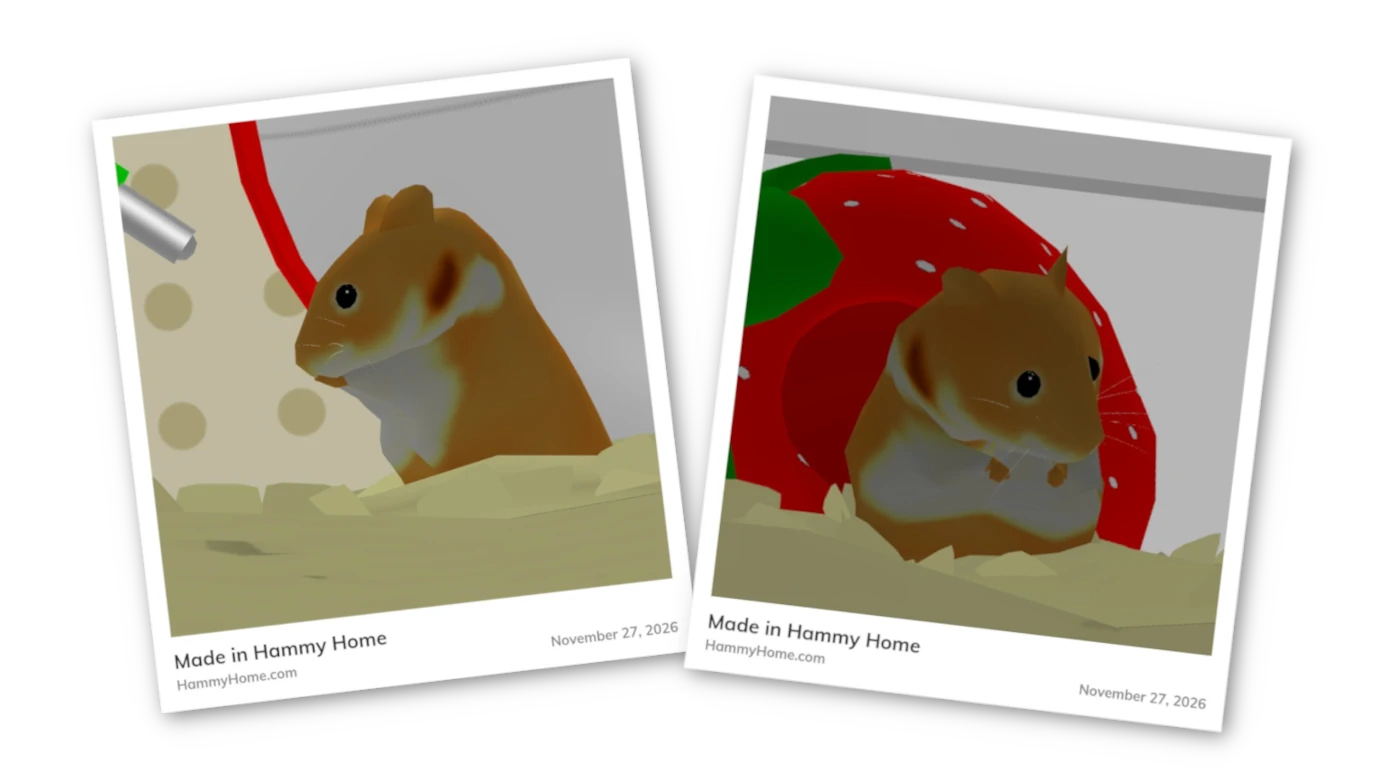
Hammy Home 1.6.0 is out! You can play it now.
Photo Mode
Tap the new camera button to take pictures of your hamsters. Frame the shot, snap the photo, and then save it or share it with family and friends.
Follow Cam
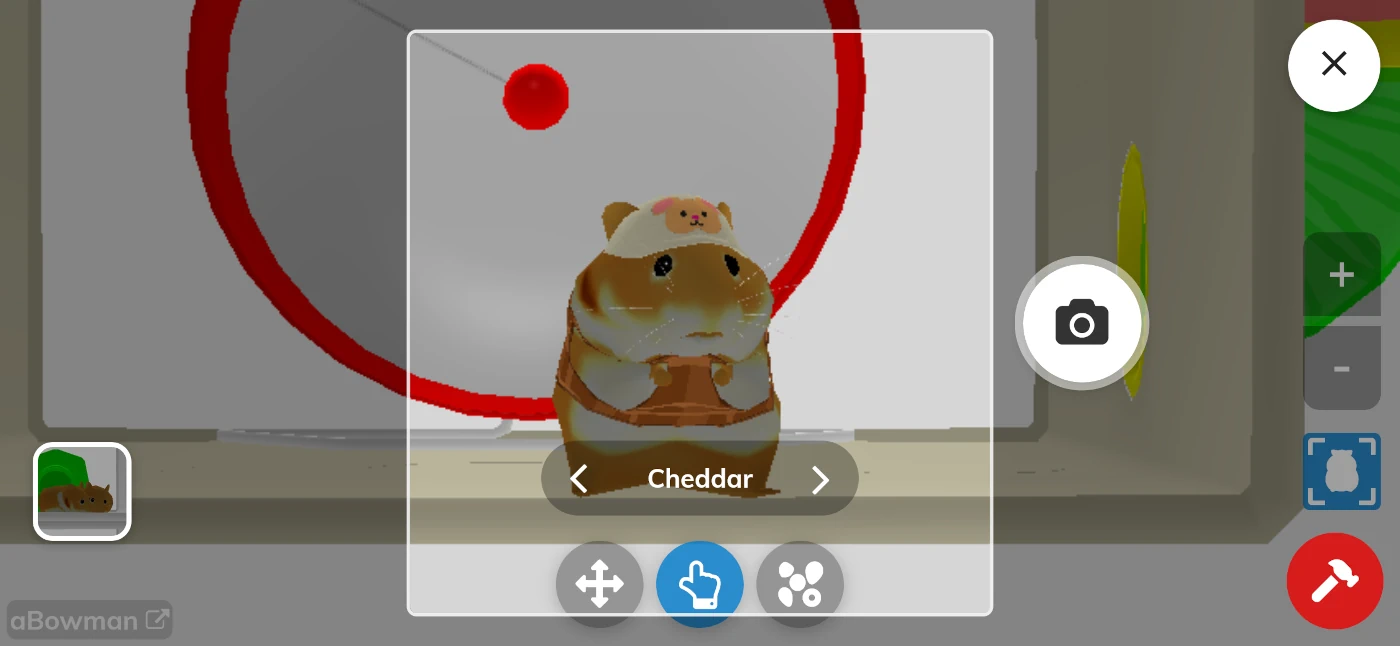
Tap the new follow cam button, then use the arrows to pick a hamster. The camera will follow it around the cage, which makes catching a cute photo much easier, especially on phones and other small screens.
Easier Naming
Naming your hamsters is easier now. Can’t think of a name? Tap the dice and keep rolling until you find one you like. You can also use the new name labels button to show all your hamsters’ names at once.
What I’m Working On
I’ve been working on adding smaller and larger hamsters to Hammy Home. It’s been tricky to work out how the small hamsters will deal with the tubes, but I’m getting close, and I’m hoping to have something to show you soon.
If you have ideas or find a bug, leave a comment below.